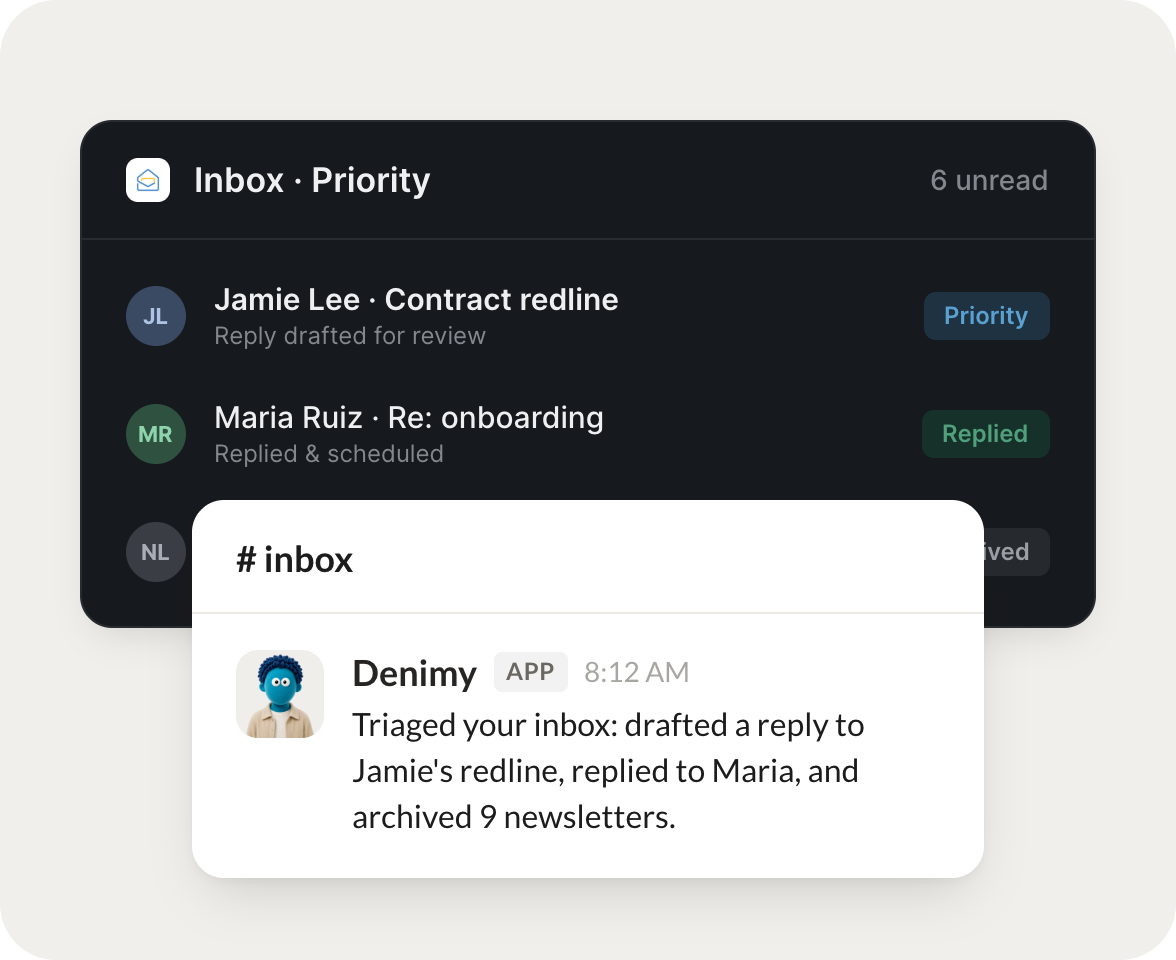
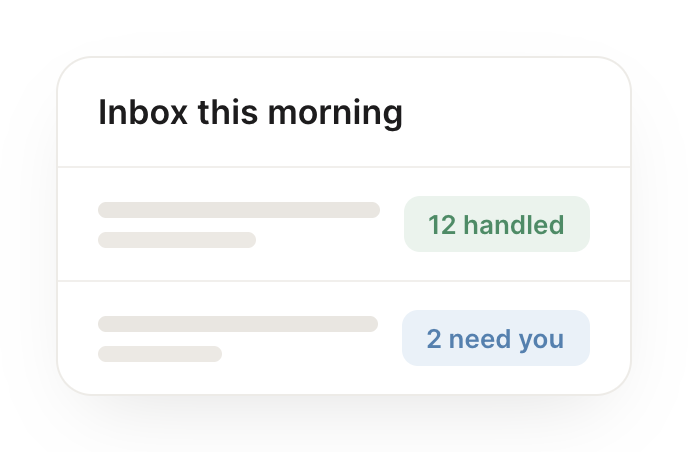
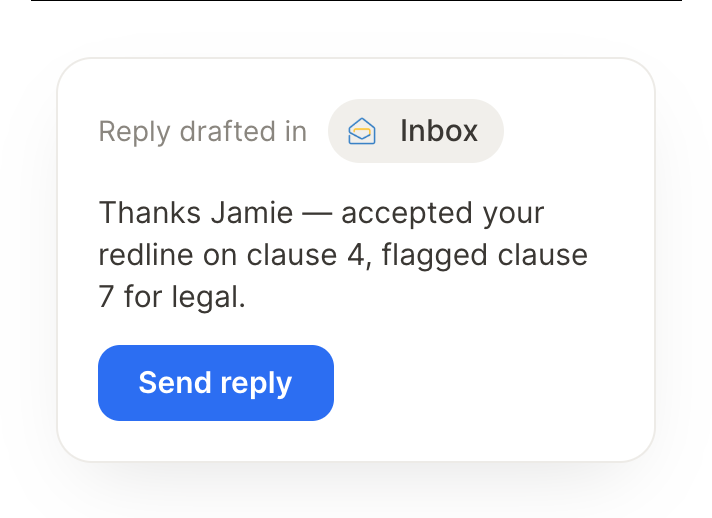
Connect Zoho Mail and your agent reads your inbox, drafts replies, and surfaces what's urgent. Your inbox stays handled while you do the work that matters.
Each morning, summarize my inbox and draft replies to the routine ones.
Tabby
APP
9:19 AM
Done. I summarized your inbox this morning and drafted replies to the routine ones. The rest are flagged, with the two that look time-sensitive marked for you first.
Marcus
9:24 AM
Great, thanks.
#
contracts
Philip
8:31 AM
Find the email with the contract and pull out the key dates.
Denimy
APP
8:32 AM
Found the contract email and pulled out the key dates: the start date and the renewal, each ready to drop on your calendar so nothing slips.
Philip
8:38 AM
Perfect.
#
urgent
Gen
9:00 AM
Flag anything urgent that's been sitting unanswered.
Snickers
APP
9:02 AM
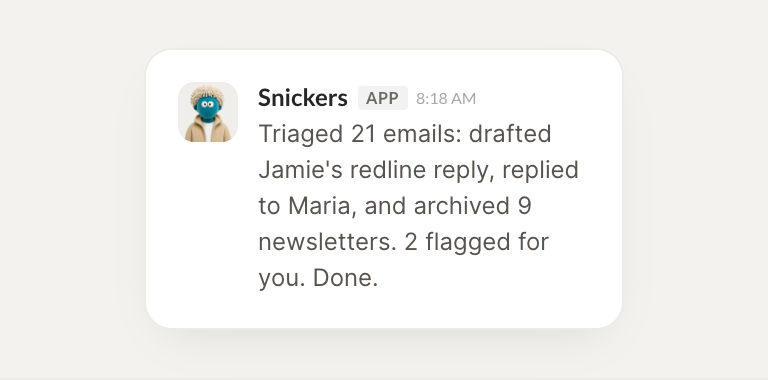
One message has been sitting unanswered for two days and reads as urgent. I surfaced it with a short summary and a draft reply, so you can close it out fast.
Gen
9:05 AM
On it.
Live in three steps
No integration project. Connect in under a minute and your agent is working.
01
Find
Pick the integration from your agent's list, or just ask the agent to connect it.
02
Approve
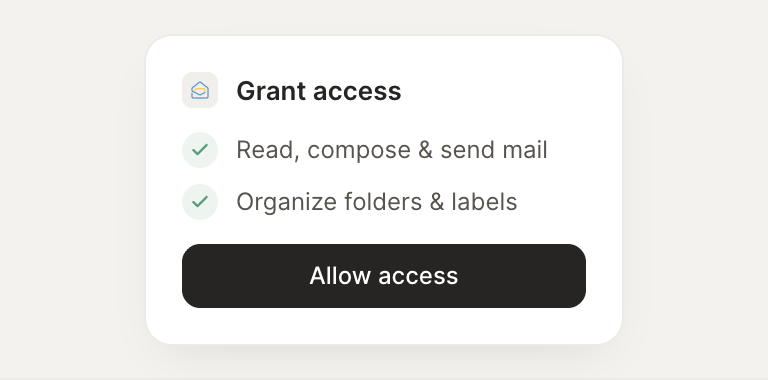
Confirm the access. Change what's granted anytime.