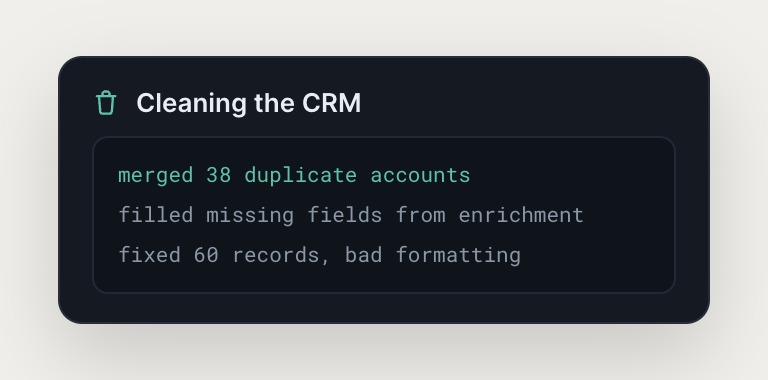
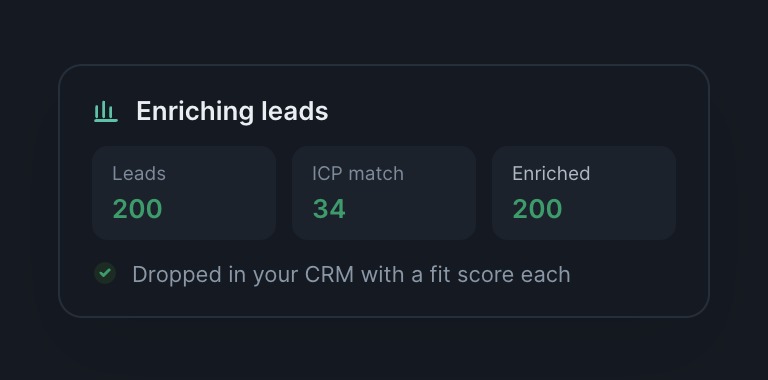
Skydive agents take action inside your CRM, maintaining hygiene, drafting outreach, and handling work that spans tools. The agent logs in like a human operator and navigates your CRM interface, no API integration required.
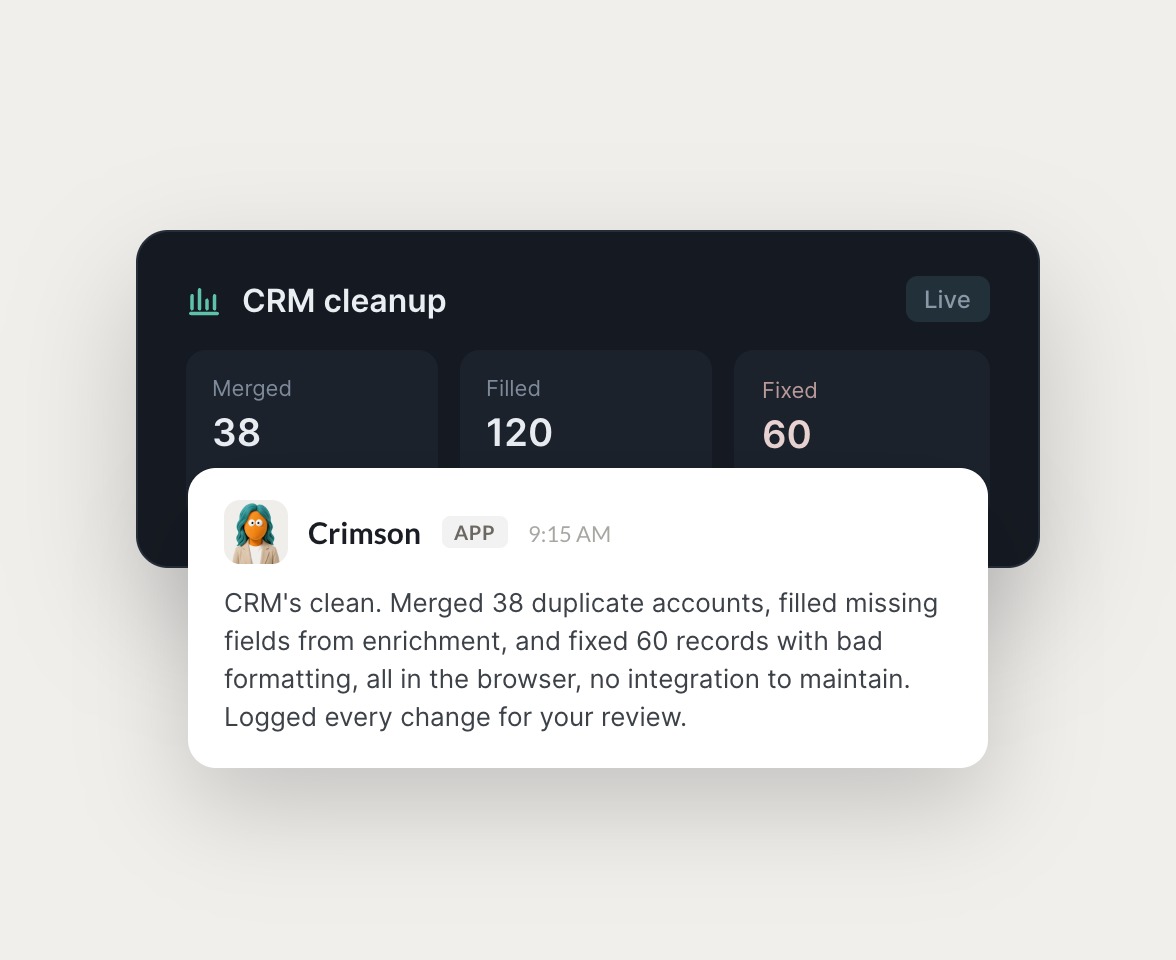

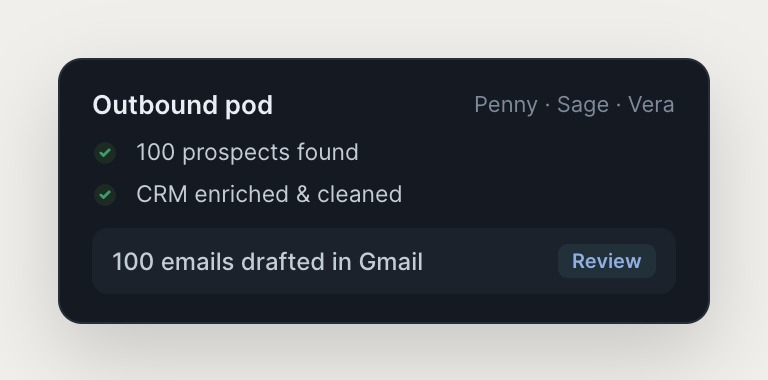
An outbound pod that finds prospects and a hygiene agent that keeps records clean, all inside the CRM you already run.


Skydive agents use a browser to navigate your CRM the way a human would, whether that's HubSpot, Attio, Salesforce, or a custom system. They click, type, and move between pages, no API limits and no integration tax.
Traditional CRM tools store data and surface reports. Skydive agents take action inside your CRM.

Skydive agents use a browser to navigate your CRM interface the way your team does. No API required, so the agent works with any CRM, including custom or legacy systems, and adapts to interface updates without re-wiring.

Describe the outcome you need and the agent handles it. No workflow construction, no prompt engineering. Pre-built templates like the CRM hygiene agent let you start even faster.

Anyone on the team can create and use agents. Permissions control who can view, message, or edit each one, and the agent remembers corrections from all users, so the judgment compounds over time.
We don't just build Skydive, we run our company on it. Our team puts agents to work every day (they even helped build this page).

"Skydive truly transforms your entire company by automating all of the tedious tasks that consume so much of your day"
Traditional CRM tools store data and surface reports. Skydive agents take action inside your CRM, maintaining hygiene, drafting outreach, and handling work that spans multiple tools. The agent logs in like a human operator and navigates your CRM interface. No API integration required, no workflow construction.
No. Skydive agents use a browser to navigate your CRM the way a human would. They click, type, and move between pages without requiring API keys or developer setup. This means the agent works with any CRM, including custom or legacy systems that don't offer modern APIs.
Yes. Agents navigate across tools like Gmail, Slack, Sheets, and your CRM in one flow. Work that lives in the seams between systems gets handled without you building connectors. The email outreach pod (one agent, another agent, and a third agent) works with Gmail and most CRMs out of the box.
Creating an agent takes minutes. Describe the outcome you need, connect the tools the agent should access, and start delegating. Pre-built templates like the CRM hygiene agent let you start even faster, and the agent asks clarifying questions if it needs more context.
Revoke access the same way you would for a team member. The agent stops working in that tool immediately. Permissions are granular and per-agent, so you control who views, uses, or edits each agent at any time.
Yes. Agents are multiplayer by design. You set permissions to control who can view, message, or edit each agent, and a useful agent spreads across the team. The agent remembers corrections from all users, so the judgment compounds over time.