FEATURES / BROWSER AUTOMATION AI

Browser automation AI that works inside your tools

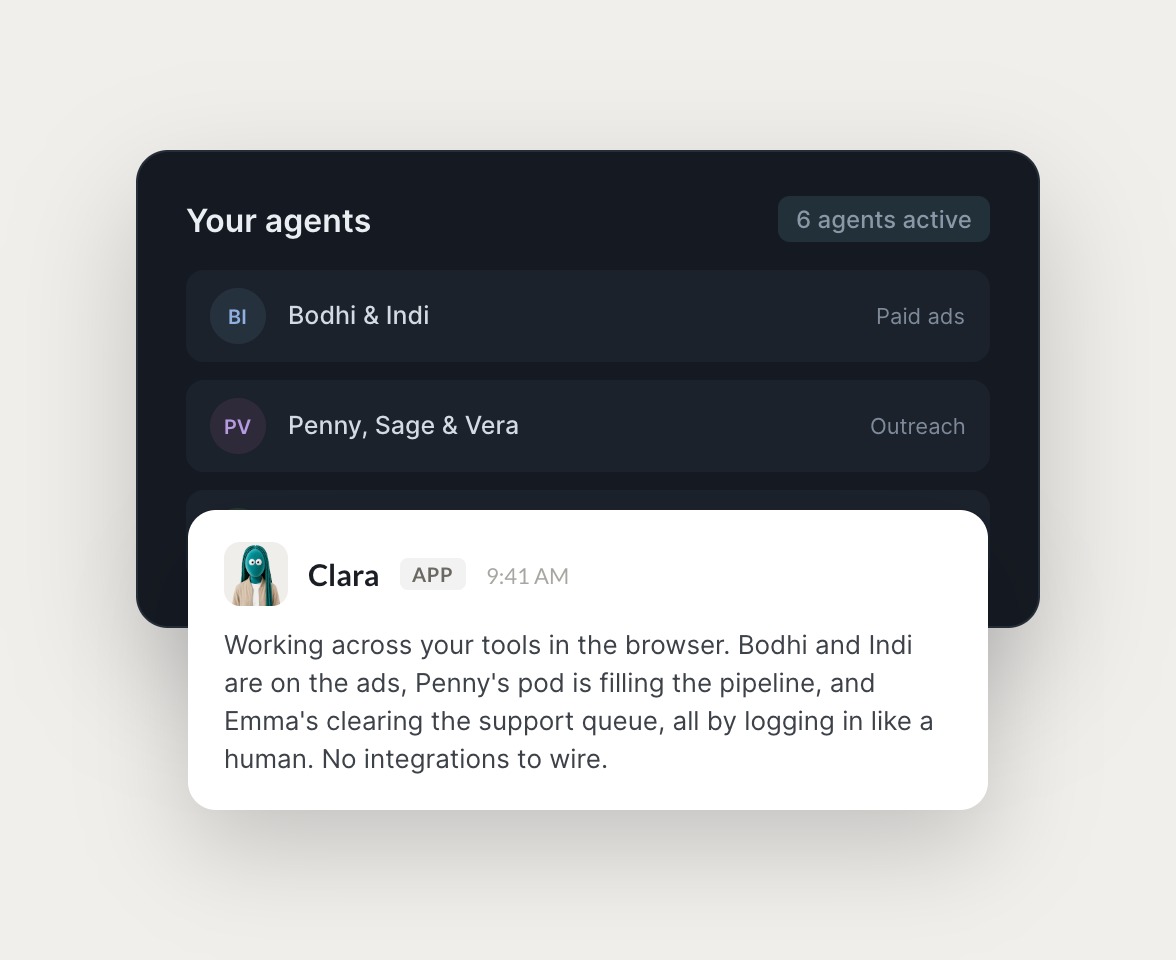
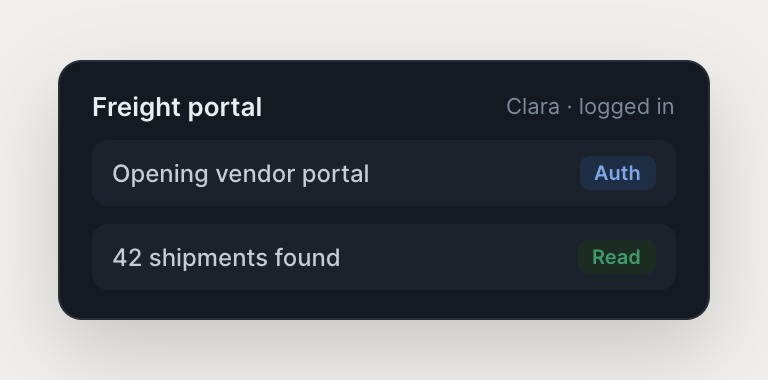
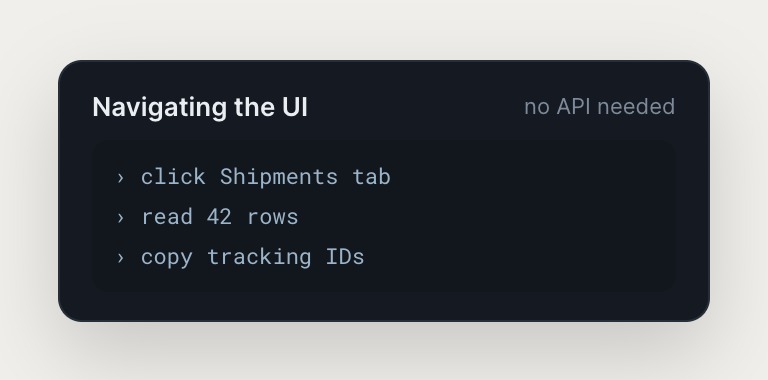
Skydive agents interact with your web-based tools the way a human would: clicking, typing, navigating pages, and pulling data. Each agent has its own sandbox with a browser, so it logs into your existing tools without API integrations, no new dashboards, no integration maintenance.

Skydive agents at work in Slack

Real work, handled by agents

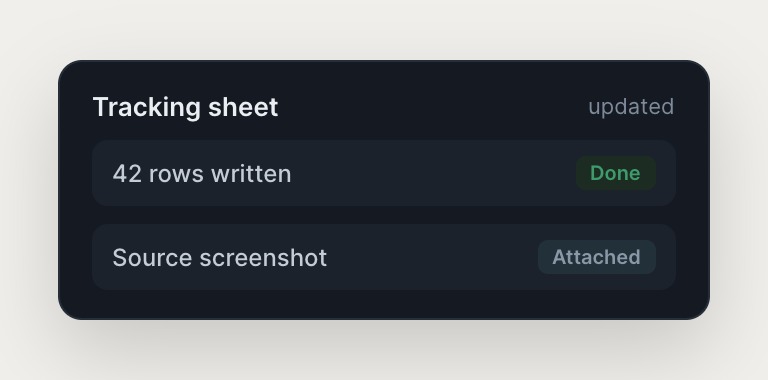
Agents log into your tools and do the work at the UI level, so tasks that never had an API finally get handled.

#
growth
Dhruv
Pull last week's spend from the Meta dashboard and drop it into the board deck.
Lauren
APP
I opened Meta Ads Manager, exported last week's spend by campaign, and pasted the numbers into slide 6 of the deck. Screenshot of the source is in the thread so you can check it.
Dhruv
Perfect, that's exactly the format.
#
finance
Dhruv
Grab the current MRR from Stripe and the churn number from our analytics tool.
Phyllis
APP
I logged into both, pulled $148k MRR from Stripe and 2.1% logo churn from the analytics dashboard, and left a one-line summary here. Both screenshots attached for the trail.
Dhruv
Great, add it to the weekly finance note.
INTEGRATIONS

Works inside the tools you already run on

Each agent has its own computer with a browser, so it logs into your existing tools the way a human operator would, navigating across systems no one has wired an integration for.

and more

Built from a description, not a workflow

You don't wire integrations. Agents navigate your tools like a human, so anything a person can log into and use, an agent can too.

No API integrations to maintain

Agents log into your tools the way a human would, clicking, typing, navigating pages, and pulling data across systems no one has wired together. Setup takes minutes, not months. If a human can do it in a browser, the agent can too.

Multi-agent teams, not single assistants

Each agent has its own identity, scope, and history, and agents hand off to each other without anyone mapping the steps. Work that spans tools and people gets handled, so you are not stuck with a chatbot that solves one task at a time.

Judgment becomes persistent infrastructure

Agents remember context and learn from corrections, so the decisions you make this quarter do not get re-learned next quarter. An agent set up to handle one problem becomes part of how the team handles it from then on, and the judgment outlasts the role.

The team behind Skydive runs on Skydive

We don't just build Skydive, we run our company on it. Our team puts agents to work every day (they even helped build this page).

"Skydive truly transforms your entire company by automating all of the tedious tasks that consume so much of your day"

Marcus Lowe, Co-Founder
FAQ

Frequently asked questions

What is browser automation AI and how does Skydive use it?

Browser automation AI lets agents interact with web-based tools the way a human would: clicking, typing, navigating pages, and pulling data. Skydive gives each agent its own sandbox with a browser, so it can log into your existing tools without API integrations. The agent works where you already work. No new dashboards, no workflow construction, no integration maintenance.

How is this different from workflow builders like Zapier or Make?

Workflow builders make you the engineer. You map every step, maintain every integration, and rebuild when tools change. Skydive builds the agent from your description. The agent figures out the sequence, the tools, and the handoffs. You describe the outcome. The agent handles the how.

How is this different from ChatGPT or Claude?

ChatGPT and Claude are single-agent chat interfaces. Skydive ships a team. Agents hand off to each other, remember context across sessions, and persist as shared infrastructure. Work compounds instead of resetting every time you close the tab. Skydive agents show up in Slack, email, and iMessage, so you don't open another tool.

Do I need to be technical to build an agent?

No. You describe the outcome you need, connect the tools, and let the agent run. No code, no workflow logic, no prompt engineering. If you can describe what you want done, you can build an agent.

How long does setup take?

Minutes, not months. You describe the outcome, connect the tools the agent needs, and delegate the work. The agent starts running immediately. No API integrations to wire, no workflow canvas to construct. Setup is as fast as explaining the task to a human.

What tools can Skydive agents access?

Agents can access any web-based tool a human can use in a browser. Gmail, Slack, GitHub, Stripe, Intercom, Meta Ads, HubSpot, Notion, Linear, and hundreds more. If a human can log in and navigate it, the agent can too. No API integrations required. The agent works at the UI level.