WORKFLOWS / AI EMAIL ASSISTANT

AI email assistant that works inside your inbox

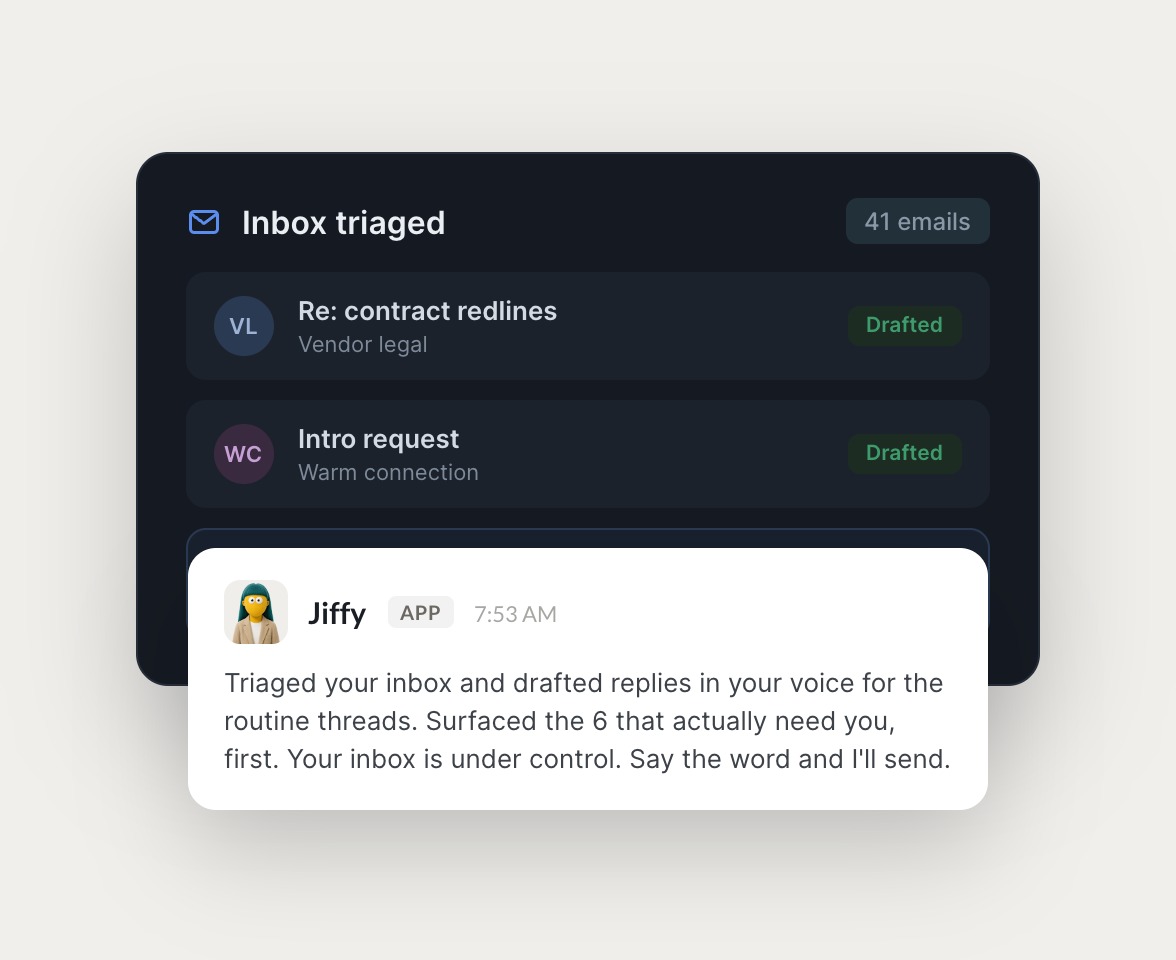
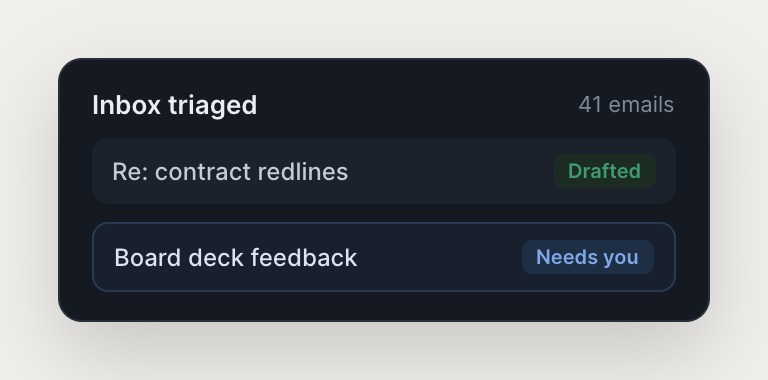
Skydive agents handle your email workflows, right inside Gmail and Slack. From inbox triage to outbound to follow-ups, they draft in your voice and surface what actually needs you, so email stops running your day.

Skydive agents at work in Slack

Email workflows, handled by agents

Inbox triage, outbound, and support email, each handled by a named agent right where you already work.

#
outreach
Rain
Find 100 Series B founders and draft a personal cold email to each.
Herb
APP
On it. One agent pulled 100 prospects, another enriched each from the web and cleaned the CRM, and a third is drafting personal emails in your voice now.
Rain
Stage them as drafts in my Gmail so I can review before they send.
#
support
Rain
Customer says their export is stuck. Figure out what's going on.
Brier
APP
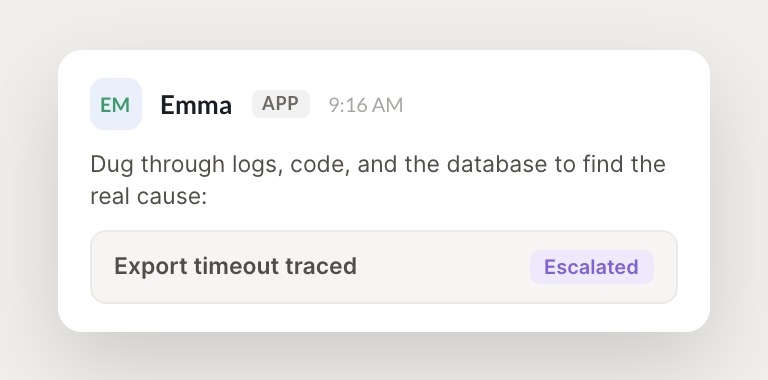
The agent dug through the logs, code, and database. Exports time out on accounts over 10k rows, it's a slow query on our side. Drafted a clear reply with the fix and timeline, and escalated the bug with logs attached.
Rain
Perfect, send the reply and link me the bug. ---
INTEGRATIONS

Works inside your everyday tools.

Each agent has its own computer with a browser, so it logs into your existing tools the way a human operator would, navigating across systems no one has wired an integration for.

and more

Built from a description, not a workflow

You don't wire an email workflow. You describe the outcome and Skydive builds the agent around it.

Multi-agent by default, not single-agent chat

Skydive ships a team of agents, not one assistant in a chat. Each agent has its own identity, scope, and history, and they hand off to each other without you mapping the steps. Single-agent modes inside a chat interface do not persist across sessions or collaborate.

Work persists across sessions and team members

Agents remember context and history, so the judgment you apply this week becomes persistent infrastructure. Single-agent chatbots reset when the session ends, and the next person picks the work up from scratch.

Multi-channel, not just a chat interface

Skydive agents show up in Slack, email, iMessage, and web chat, the surfaces where your team already works. Chat-mode tools make you remember to open them, and the work never integrates with your existing workflows.

We run on Skydive too.

We don't just build Skydive, we run our company on it. Our team puts agents to work every day (they even helped build this page).

"Skydive truly transforms your entire company by automating all of the tedious tasks that consume so much of your day"

Marcus Lowe, Co-Founder
FAQ

Frequently asked questions

How is Skydive different from ChatGPT or Claude?

Skydive ships a team of agents, not one assistant in a chat. Each agent has its own identity, scope, and history, and they hand off to each other without you mapping the steps in advance. ChatGPT and Claude are single-agent modes inside a chat interface, so the work doesn't persist across sessions. Skydive agents show up in Slack, email, iMessage, and web chat.

Do I have to build workflows or write prompts?

No. You describe the outcome you need, and Skydive builds the agent around it. No workflow logic to wire, no prompt engineering, no canvas to construct. Agents learn from corrections and feedback, so the judgment you apply this week becomes persistent infrastructure.

Can I use Skydive from my inbox or Slack?

Yes. Skydive agents show up in Slack, email, iMessage, and web chat. You can message your agent from Gmail, Slack, or your phone without opening a separate app, so you never lose context or switch tools mid-workflow.

What email workflows can Skydive handle?

Skydive handles outbound prospecting, inbox triage, customer support emails, follow-up sequences, and campaign management. Pre-built templates include an email outreach pod (one agent, another agent, a third agent), a personal assistant (a fourth agent), and a customer support agent (a fifth agent). Agents can run on a schedule or respond in real time.

How long does it take to set up an agent?

Minutes. You describe the outcome you need, connect the tools your agent should access, and the agent starts working. Pre-built templates mean you can be productive on day one, and agents get better the more you use them.

Is Skydive secure? What about data privacy?

Your data may be used to improve our models unless you opt out. Agents use your data to complete tasks, and the data stays yours. You control which tools each agent can access, permissions are per-agent, and each agent runs in an isolated sandbox. You can delete agents, revoke access, and remove data at any time.