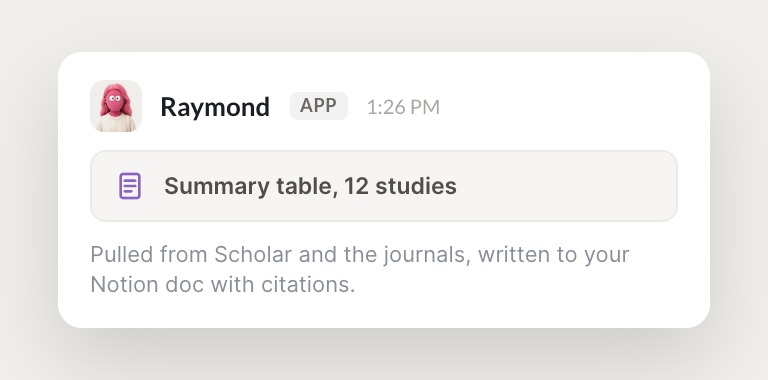
Describe the research outcome you need and the agent plans the steps, browsing databases, Google Scholar, competitor sites, and internal docs, then delivers a draft with sources and citations, right inside the tools you already use.
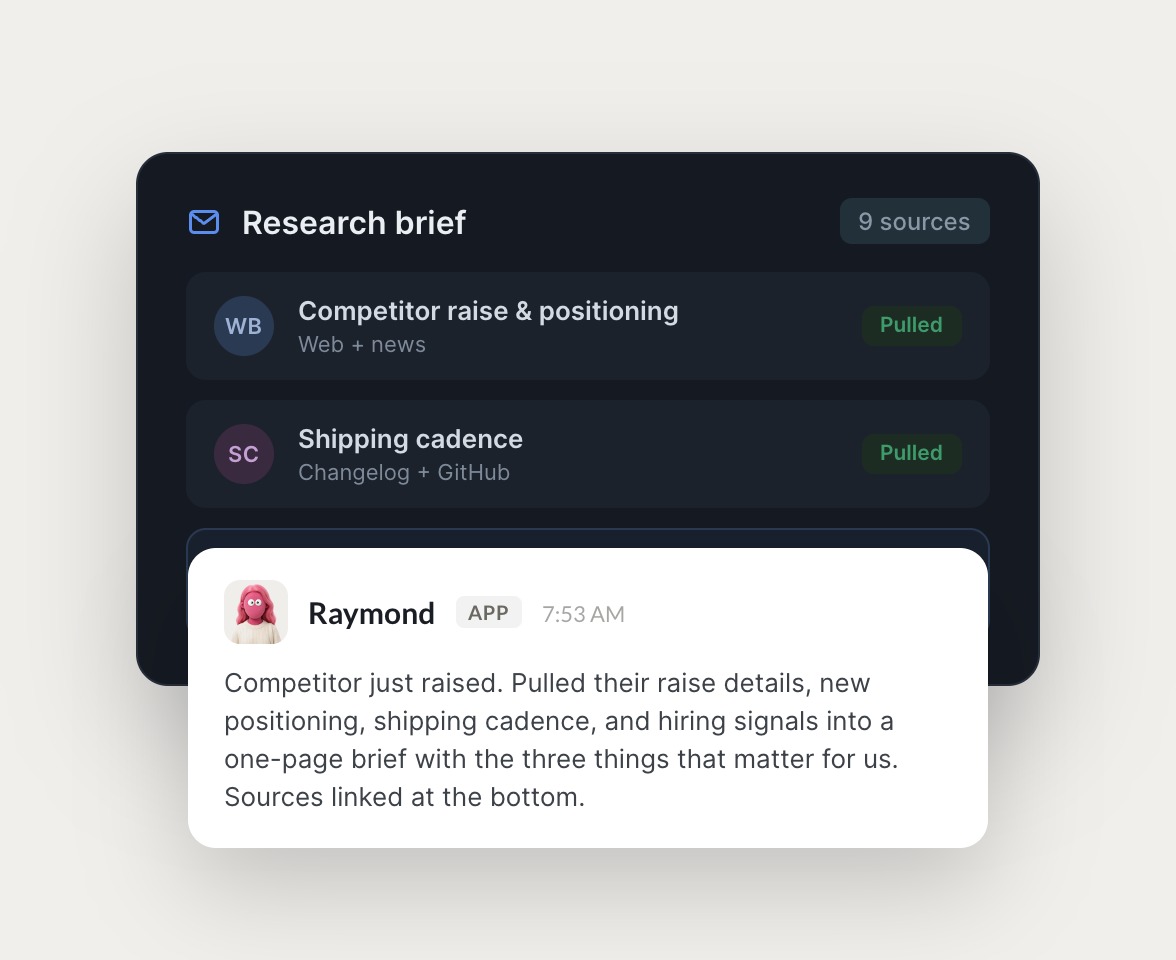

From a plain-English brief to a sourced draft, the agent handles research end to end and keeps it organized.


The research assistant uses browser-based access to navigate research databases, Google Scholar, competitor websites, and internal tools like Notion, Sheets, and Confluence. You authenticate once, no API wiring required.
Most research tools give you a chatbot to ask questions. Skydive runs the research inside the tools you already use, and it compounds.

Start with a plain-English description like find recent studies on X or summarize competitor positioning on Y. The agent interprets the goal and plans the steps, figuring out which tools and sources to check based on the outcome you described.

The agent navigates websites, searches databases, and pulls data from sources that don't have APIs. It clicks, types, and scrolls like a human researcher across research databases, Google Scholar, competitor sites, and internal tools.

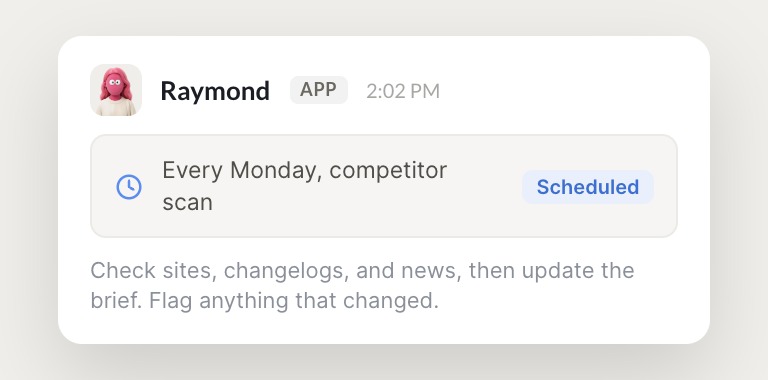
Set the agent to run daily, weekly, or on-demand. It monitors new publications, tracks competitor content, or updates briefs without manual triggering, and it learns from your corrections so the quality improves with every pass.
We don't just build Skydive, we run our company on it. Our team puts agents to work every day (they even helped build this page).

"Skydive truly transforms your entire company by automating all of the tedious tasks that consume so much of your day"
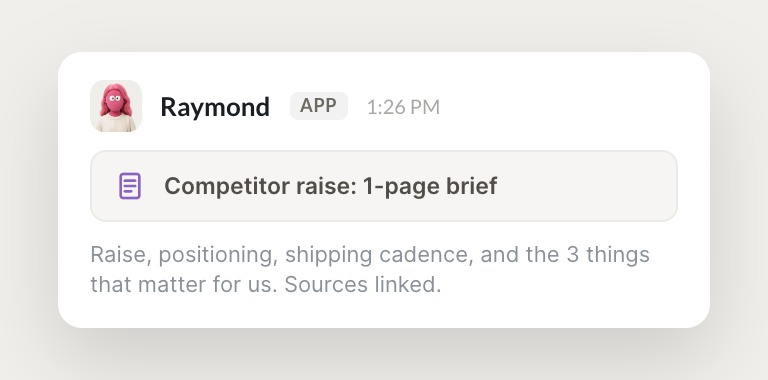
Most AI research tools give you a chatbot to ask questions or a workflow builder to construct automations yourself. Skydive builds the research assistant from your description and runs it inside the tools you already use. The research assistant lives in Slack, email, and iMessage, so there's no new dashboard to remember to open, and the work compounds because it remembers context and learns from corrections.

The research assistant uses browser-based access to navigate research databases, Google Scholar, competitor websites, and internal tools like Notion, Sheets, and Confluence. No API wiring required. You authenticate once, and the agent logs in and navigates the way a human researcher would, pulling data from sources that don't have APIs.
Minutes, not weeks. Describe the research outcome you need, connect the tools the agent should use, and start delegating. The pre-built research assistant template is ready to use out of the box, and you customize it as you go to match your sources and format.
Yes. The research assistant works inside Slack, email, iMessage, and web chat. It accesses your existing tools via browser-based navigation, so there are no integrations to build. For deeper connections, use the Model Context Protocol to connect the agent to internal APIs and custom databases.
The research assistant uses authenticated access to your tools and follows the same security protocols as a human team member. Data stays in your systems. Skydive is built for 15 to 50 person startups, not heavily regulated industries. If you're in healthcare, defense, or regulated finance, this may not be the right fit.
Yes. Anyone on the team can create agents, and granular permissions control who can view, use, or edit each one. Corrections from any team member improve the research assistant for everyone, so it becomes team infrastructure, not a personal tool.