FEATURES / AI COMPUTER USE

AI computer use: agents that work inside your tools

Skydive agents take on real work inside your existing tools, navigating across systems the way a human operator would. Describe the outcome you need and the agent figures out the steps, logs into your tools, and handles the work from start to finish.
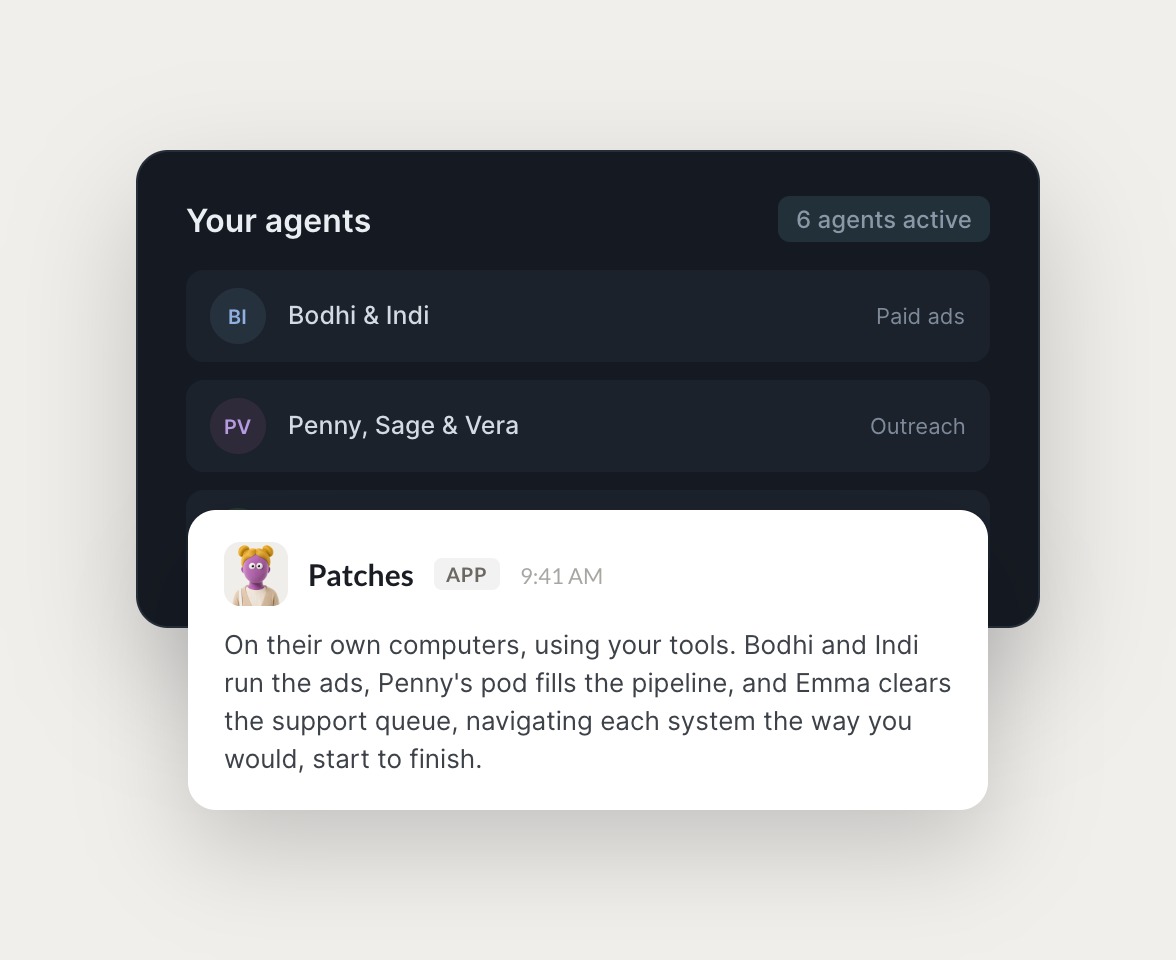

Skydive agents at work in Slack

Real work, handled by agents

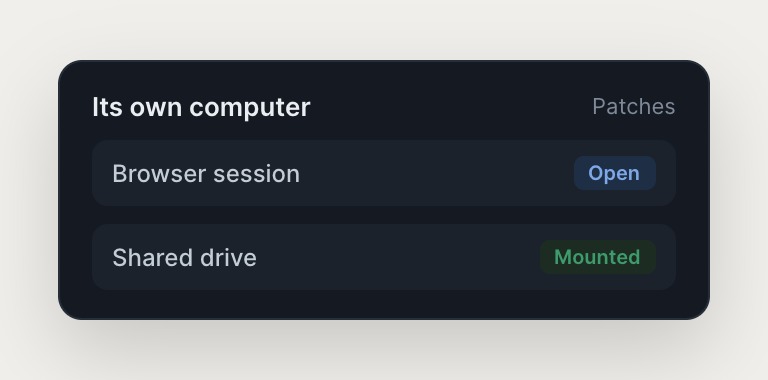
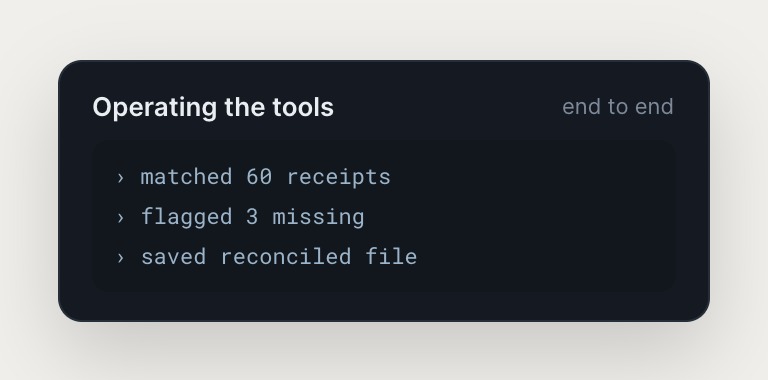
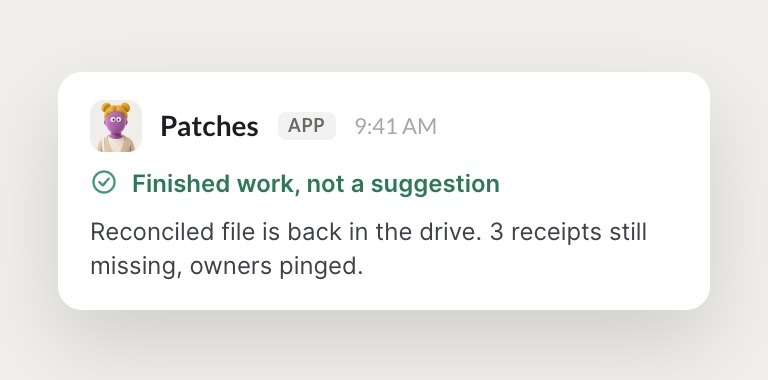
Each agent has its own computer with a browser, so it operates your tools end to end and hands back finished work.

#
growth
Dhruv
Download the ad performance CSV and tell me which creatives to kill.
Tamari
APP
I downloaded the CSV, ran the numbers, and found 4 creatives below a 1% CTR burning 30% of spend. Full breakdown in the thread, ready to pause on your say-so.
Dhruv
Kill all 4.
#
recruiting
Dhruv
Submit our job posting to the three boards we use.
Wonder
APP
I filled and submitted the posting on all three boards from my browser, confirmations attached. One board flagged a missing salary range, so I used the band from your last posting.
Dhruv
Good call, that's the right band.
INTEGRATIONS

Works inside the tools you already run on

Each agent has its own computer with a browser, so it logs into your existing tools the way a human operator would, navigating across systems no one has wired an integration for.

and more

Built from a description, not a workflow

Chatbots give suggestions. Workflow builders make you the engineer. AI computer use means agents that actually operate your tools.

Built from a description, not a workflow

Workflow builders make you the engineer. You decide the how and construct every step. Skydive builds the agent from your description of the outcome. No canvas to construct, no logic to wire, no prompt engineering. Pre-built templates are productive on day one.

A team of agents, not a single chatbot

Most AI tools give you one assistant in a chat that closes when the tab closes. Skydive ships a team. Work persists, hands off between agents, and keeps running while you sleep.

Built for 15 to 50 person funded startups

Self-serve, prosumer-priced, no IT review. Granular permissions let anyone on the team create agents, and useful agents spread the way useful things inside companies always spread.

The team behind Skydive runs on Skydive

We don't just build Skydive, we run our company on it. Our team puts agents to work every day (they even helped build this page).

"Skydive truly transforms your entire company by automating all of the tedious tasks that consume so much of your day"

Marcus Lowe, Co-Founder
FAQ

Frequently asked questions

How is AI computer use different from a chatbot or workflow builder?

Chatbots give you suggestions. Workflow builders make you the engineer. AI computer use means agents that take on real work inside your existing tools, navigating across systems the way a human operator would. Describe the outcome you need. The agent figures out the steps, logs into your tools, and handles the work from start to finish.

Do I need to build workflows or write code to use Skydive?

No. Describe the outcome you need in plain English. Skydive builds the agent around it. No workflow logic to wire, no prompt engineering, no canvas to construct. The agent adapts to the work instead of forcing the work to adapt to the tool.

How do agents access my tools and data?

Agents log into your tools the way a human operator would, using the same login flows your team uses. No API keys to manage, no OAuth apps to approve. Access control stays inside your existing tools. Control which agents can access which data, and revoke access anytime.

Can multiple team members use the same agent?

Yes. Granular permissions let you share agents across the team with view-only, use, or edit access. An agent set up by one operator becomes part of how the team handles that work from then on. Corrections and feedback from multiple team members compound into a single source of truth.

What tools and integrations does Skydive support?

Agents work inside the tools you already run on: Slack, Gmail, Sheets, Meta, Stripe, GitHub, Linear, Notion, and more. Each agent has its own browser and can navigate any web-based tool. If a human can log in and use it, an agent can too.

How long does it take to set up an agent?

Minutes, not hours. Describe the outcome you need, connect the tools the agent needs access to, and it starts working. Pre-built templates for common use cases like inbox triage, CRM hygiene, and campaign management let you get productive on day one.