WORKFLOWS / AI MEETING ASSISTANT

AI meeting assistant that handles the follow-through

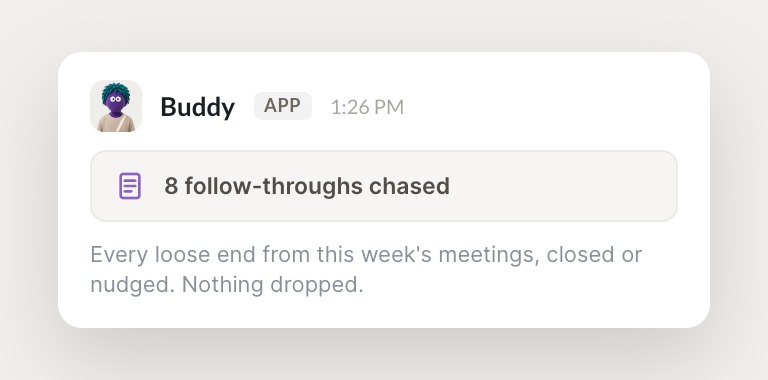
Meetings end, but the work doesn't. Skydive agents capture the action items, draft the follow-ups in your voice, update your CRM and trackers, and schedule the next steps, right inside the tools you already use.
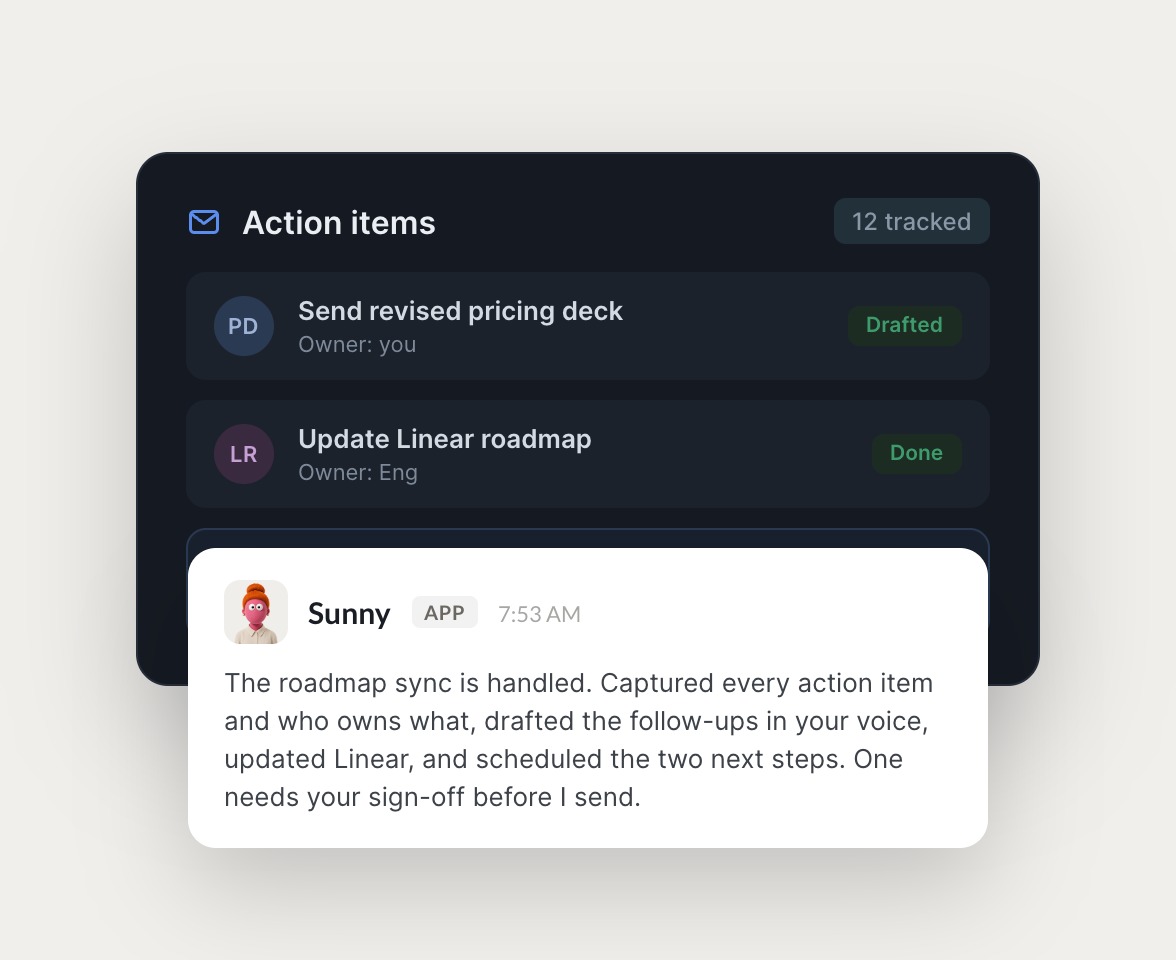

Skydive agents at work in Slack

What your AI meeting assistant actually handles

From action items to follow-up messages to CRM updates, the agent handles the after-meeting work so you don't have to.

#
team
Dhruv
Send me a digest of where every action item from this week stands.
Crisp
APP
Pulled it together. 14 action items from your meetings this week: 9 done, 3 in progress, 2 blocked. Updated the trackers and drafted nudges for the two blockers with the right owner tagged.
Dhruv
Send the nudges and flag the blockers in the channel.
#
founder
Dhruv
Prep me for the partner meeting at 3. What do I need to know?
Butter
APP
Ready. Pulled their company background, our last three conversations, open action items, and recent news into a one-page brief with the three things to raise. Sources linked at the bottom.
Dhruv
Perfect, that's exactly what I needed. ---
INTEGRATIONS

Works inside your everyday tools.

Each agent has its own browser and logs into your existing tools the way a human operator would: Slack, Gmail, your CRM, Linear, Notion, and Calendar. Work that lives in the seams between systems finally gets handled.

and more

Built from a description, not a workflow

Most meeting tools capture notes. Skydive agents handle the dozens of follow-throughs that come after.

Maintains context across meetings and people

Your agent remembers decisions, action items, and who owns what. Context persists across conversations and team members, and when a follow-up spans multiple people or tools, the agent hands off without you mapping the steps.

Executes across your tools

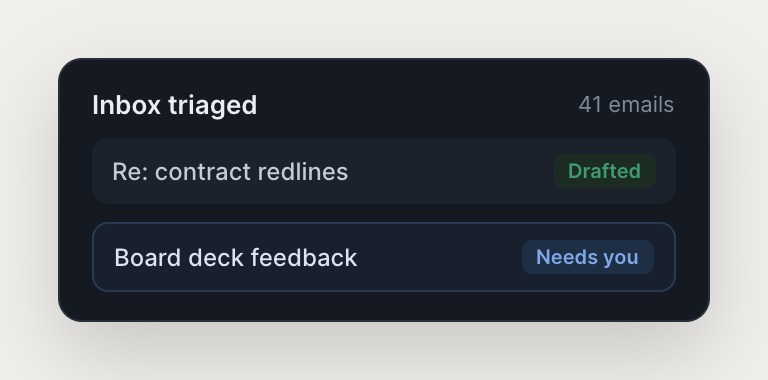
Your meeting assistant drafts follow-up messages in your voice, updates your CRM and project trackers, schedules next steps, and sends reminders. It surfaces what actually needs you and handles the routine work autonomously.

Built from a description, not a workflow

Describe your meeting workflow and Skydive builds the agent around it. Pre-built templates get you productive on day one, no workflow logic to wire.

We run on Skydive too.

We don't just build Skydive, we run our company on it. Our team puts agents to work every day (they even helped build this page).

"Skydive truly transforms your entire company by automating all of the tedious tasks that consume so much of your day"

Marcus Lowe, Co-Founder
FAQ

Frequently asked questions

How is Skydive different from other AI meeting assistants?

Most meeting tools capture notes or transcribe conversations, but they don't handle the dozens of follow-throughs that come after. Skydive agents maintain context across meetings and people, then autonomously execute action items across your existing tools. Skydive ships a team of agents that hand off to each other without you mapping the steps, so work that spans tools and people actually gets done.

Will this work with my existing tools and workflows?

Yes. Skydive agents show up in Slack, email, iMessage, and web chat, so you don't need to remember to open a new dashboard. Each agent has its own browser and can log into your existing tools the way a human operator would. Work that lives in the seams between systems finally gets handled, no API required.

How long does it take to get started?

Start with a pre-built AI meeting assistant template and be productive on day one. Describe your meeting workflow, connect the tools you already use, and the agent starts handling follow-throughs. Onboarding takes minutes, not weeks.

Can my team collaborate on agents, or is it just for me?

Anyone on the team can create agents. Permissions control who can view, use, or edit on a per-agent basis, so useful agents spread the way useful things inside companies always spread. A agent built by one operator becomes team infrastructure, and the judgment persists across sessions and team members.

What kind of follow-throughs can the meeting assistant handle?

Your AI meeting assistant captures action items, drafts follow-up messages in your voice, updates your CRM and project trackers, schedules next steps, and sends reminders. It surfaces what actually needs you and handles the routine work autonomously, maintaining context across meetings and people so handoffs happen without you in the middle.

How does the agent learn and improve over time?

Your agent remembers context and history. Correct it once, and the judgment persists across conversations and team members. The agent gets better over time as your team teaches it how you actually work, and a multiplayer agent corrected by five operators carries more accumulated taste than any one of them alone.