FEATURES / AI AGENT MONITORING

AI agent monitoring: see what your agents do, fix what breaks

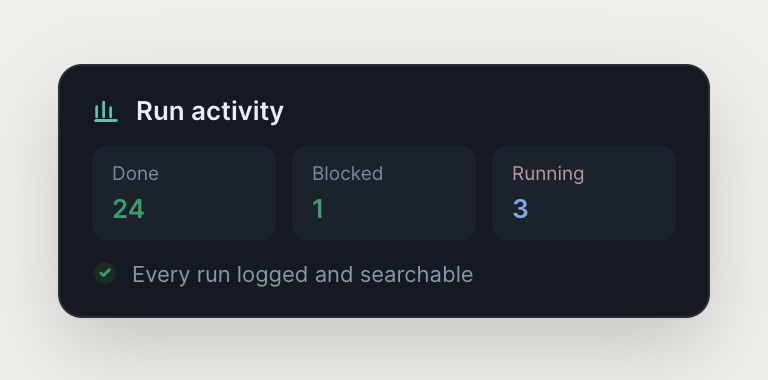
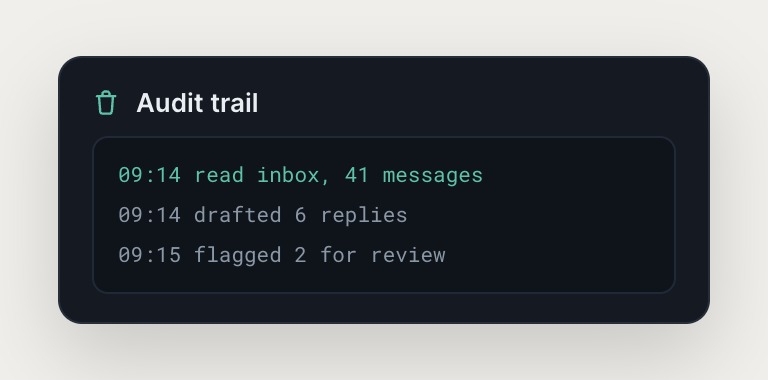
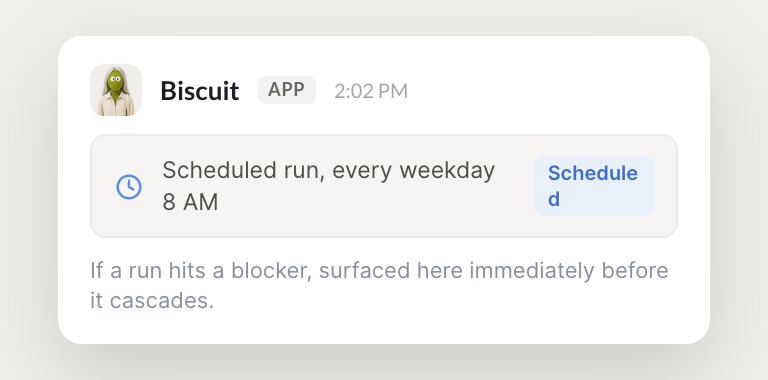
Every agent action is logged and searchable, so you can trace a decision back to its source, see what the agent read, and understand why it made the choice it did. If a scheduled run hits a blocker, Skydive surfaces it immediately so you can fix it before the problem cascades.
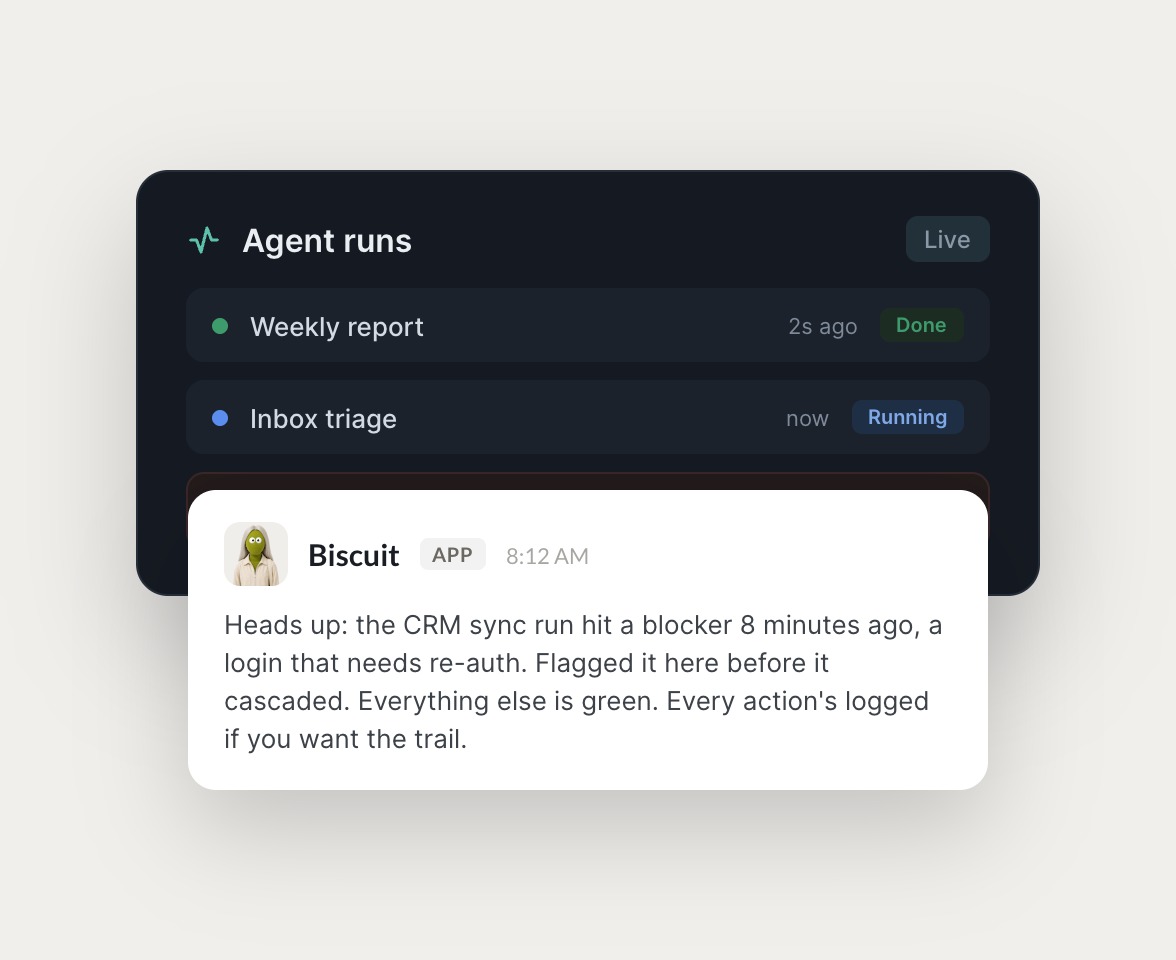

Skydive agents at work in Slack

Where teams use agent monitoring

Watch runs across every agent, catch failures early, and keep recurring work on track.

#
outreach
Dhruv
Find 100 Series B founders and draft a personal cold email to each.
Melon
APP
On it. One agent pulled 100 prospects, another enriched each from the web and cleaned the CRM, and a third is drafting personal emails in your voice now.
Dhruv
Stage them as drafts in my Gmail so I can review before they send.
#
support
Dhruv
Customer says their export is stuck. Figure out what's going on.
Booboo
APP
The agent dug through the logs, code, and database. Exports time out on accounts over 10k rows, it's a slow query on our side. Drafted a clear reply with the fix and timeline, and escalated the bug with logs attached.
Dhruv
Perfect, send the reply and link me the bug.
INTEGRATIONS

Works inside the tools you already run on

Each agent has its own computer with a browser, so it logs into your existing tools the way a human operator would, navigating across systems no one has wired an integration for.

and more

Built from a description, not a workflow

Visibility scales with your team. As you add operators and agents, oversight stays manageable instead of becoming a bottleneck.

Describe the outcome, Skydive builds the agent

Tell Skydive what you need and the platform builds the agent around it. No workflow logic to wire, no prompt engineering, no canvas to construct. Agents are productive on day one, with templates for inbox triage, lead enrichment, and CRM hygiene to get you started fast.

Monitoring is built in, not bolted on

Every agent action gets logged automatically and context stays visible to the whole team, while scheduled runs report progress and blockers. Monitoring is already there. You just decide who sees what with granular permissions.

Multi-agent by default, not single-agent chat

Each agent has its own identity, scope, and history, and agents hand off to each other without anyone mapping the steps. Your outbound pod has three agents: one finds prospects, another agent keeps the CRM clean, and a third agent drafts personalized emails, collaborating without you wiring the handoffs.

The team behind Skydive runs on Skydive

We don't just build Skydive, we run our company on it. Our team puts agents to work every day (they even helped build this page).

"Skydive truly transforms your entire company by automating all of the tedious tasks that consume so much of your day"

Marcus Lowe, Co-Founder
FAQ

Frequently asked questions

Can I control who sees what each agent does?

Yes. Granular permissions let you control who can view, use, or edit each agent. Your finance lead can see the Stripe disputes agent without editing the outbound email pod. Permissions scale with your team. As you add operators, oversight stays manageable without becoming a bottleneck.

Do agents remember context across sessions?

Yes. Memory persists across sessions. When you correct an agent, it remembers. The next time it faces a similar task, it applies what it learned. Judgment becomes persistent infrastructure that outlasts the operator who set it up.

How do scheduled runs work?

Agents can run on a schedule without manual triggers. Daily reports, recurring data pulls, and automated follow-ups happen on time. If a scheduled run hits a blocker, Skydive surfaces it immediately so you can fix it before the problem cascades.

What tools can agents connect to?

Agents log into your existing tools the way a human operator would. Each agent has its own sandbox with a browser, so it can navigate any tool with a web interface. No API required. The agent clicks, types, and navigates pages like a person. Connect Slack, Gmail, your CRM, or any tool your team already uses.

Is Skydive built for enterprise or startups?

Skydive is built for the 15 to 50 person funded startup, the operator whose job is everything that doesn't fit anywhere else. Pricing and access are designed for this buyer: self-serve, prosumer-priced, no IT review required. If you're at a 500 plus person company with formal procurement, Skydive is not the right fit yet.

What happens if an agent makes a mistake?

Every agent action is logged and searchable. You can trace a decision back to its source, see what the agent read, and understand why it made the choice it did. When you correct an agent, it remembers. The judgment sticks, so the agent improves over time instead of repeating the same mistake.