SOLUTIONS / AI FOR TEAMS

AI for teams that handle real work

Your team gets a pod of agents that show up in Slack, email, and iMessage. Each agent has its own sandbox with a browser, so it logs into your tools the way a human would. No workflow construction, no prompt engineering, just describe the outcome you need.
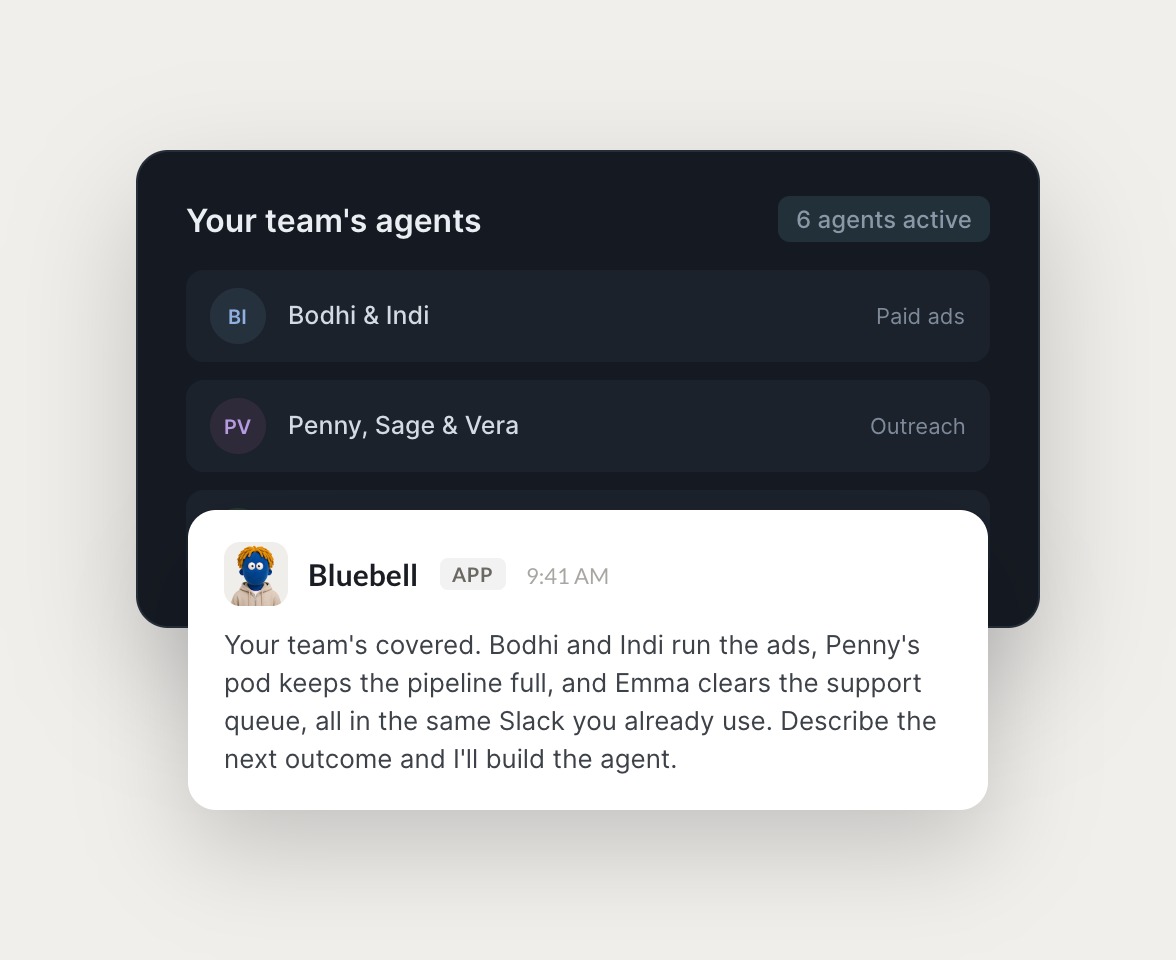

Skydive agents at work in Slack

Real work, handled by agents

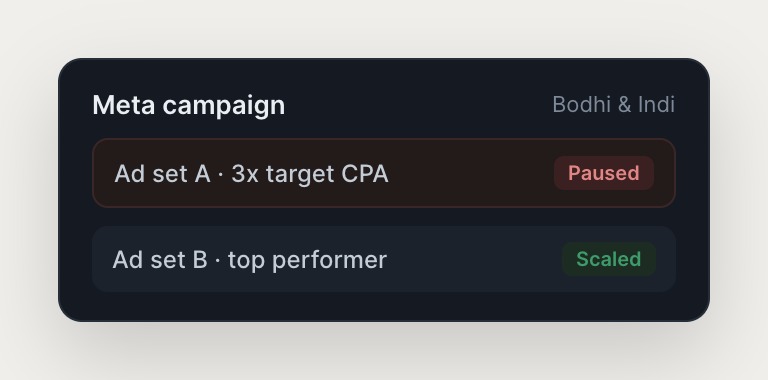
Each use case is a named agent or pod with concrete tasks, across GTM, ops, support, and engineering.

#
outreach
Marcus
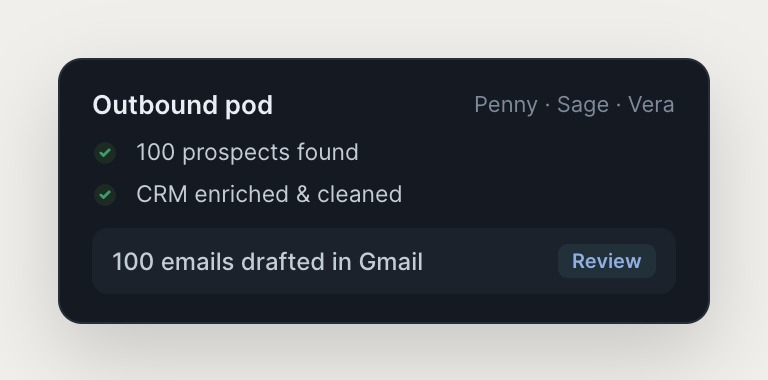
Find 100 Series B founders and draft a personal cold email to each.
Turmeric
APP
On it. One agent pulled 100 prospects, another enriched each from the web and cleaned the CRM, and a third is drafting personal emails in your voice now.
Marcus
Stage them as drafts in my Gmail so I can review before they send.
#
support
Marcus
Customer says their export is stuck. Figure out what's going on.
Oddie
APP
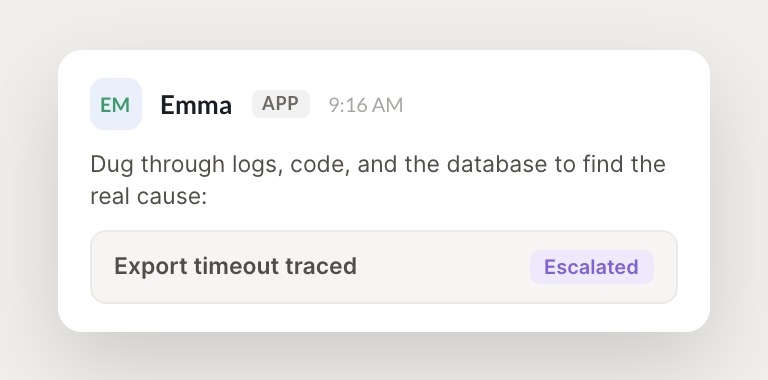
The agent dug through the logs, code, and database. Exports time out on accounts over 10k rows, it's a slow query on our side. Drafted a clear reply with the fix and timeline, and escalated the bug with logs attached.
Marcus
Perfect, send the reply and link me the bug.
INTEGRATIONS

Works inside your everyday tools.

Each agent has its own computer with a browser, so it logs into your existing tools the way a human operator would, navigating across systems no one has wired an integration for.

and more

Built from a description, not a workflow.

You don't get another dashboard. You get output: a team of agents that hand off to each other and share context.

Built from a description, not a workflow

Describe the outcome you need and Skydive builds the agent around it. No canvas to construct, no logic to wire, no prompt engineering. Pre-built templates are productive on day one.

Multiplayer by design

Anyone on the team can create agents, and permissions control who can view, use, or edit each one. Useful agents spread across the team, and the judgment you build in becomes shared infrastructure.

Agents that give themselves new tools

Each agent can run code, browse and search the web, read and write files, host web apps, and process media, giving itself new tools as the work requires.

We run on Skydive too.

We don't just build Skydive, we run our company on it. Our team puts agents to work every day (they even helped build this page).

"Skydive truly transforms your entire company by automating all of the tedious tasks that consume so much of your day"

Marcus Lowe, Co-Founder
FAQ

Frequently asked questions

How is Skydive different from workflow builders like Zapier or Make?

Workflow builders make you the engineer. You decide the how and construct every step. Skydive builds the agent from your description of the outcome. No canvas to construct, no logic to wire, no prompt engineering. Pre-built templates are productive on day one.

How is Skydive different from single-agent tools like ChatGPT or Claude?

Single-agent tools give you one assistant in a chat that closes when the tab closes. Skydive ships a team. Work persists, hands off between agents, and keeps running while you sleep. Agents have their own identities, scopes, and histories, and they collaborate automatically.

How long does it take to get started?

Sign up, describe the outcome you need, connect the tools, and start delegating. Most operators have their first agent running in under 10 minutes. Pre-built templates are ready to use.

Do I need engineering resources to set up Skydive?

No. Skydive is built for operators, not engineers. Each agent has its own computer with a browser, so it logs into your existing tools the way a human operator would, and no API integrations are required.

Can I share agents across my team?

Yes. Anyone on the team can create agents. Permissions control view, use, or edit on a per-agent basis. Useful agents spread the way useful things inside companies always spread.

What happens if an agent makes a mistake?

Agents remember context and learn from corrections. The judgment you build into an agent persists, so it gets better over time. You can review agent output before it goes live, or let the agent handle routine work automatically.