WORKFLOWS / AI CUSTOMER SUPPORT AGENT

AI customer support agent that handles real work

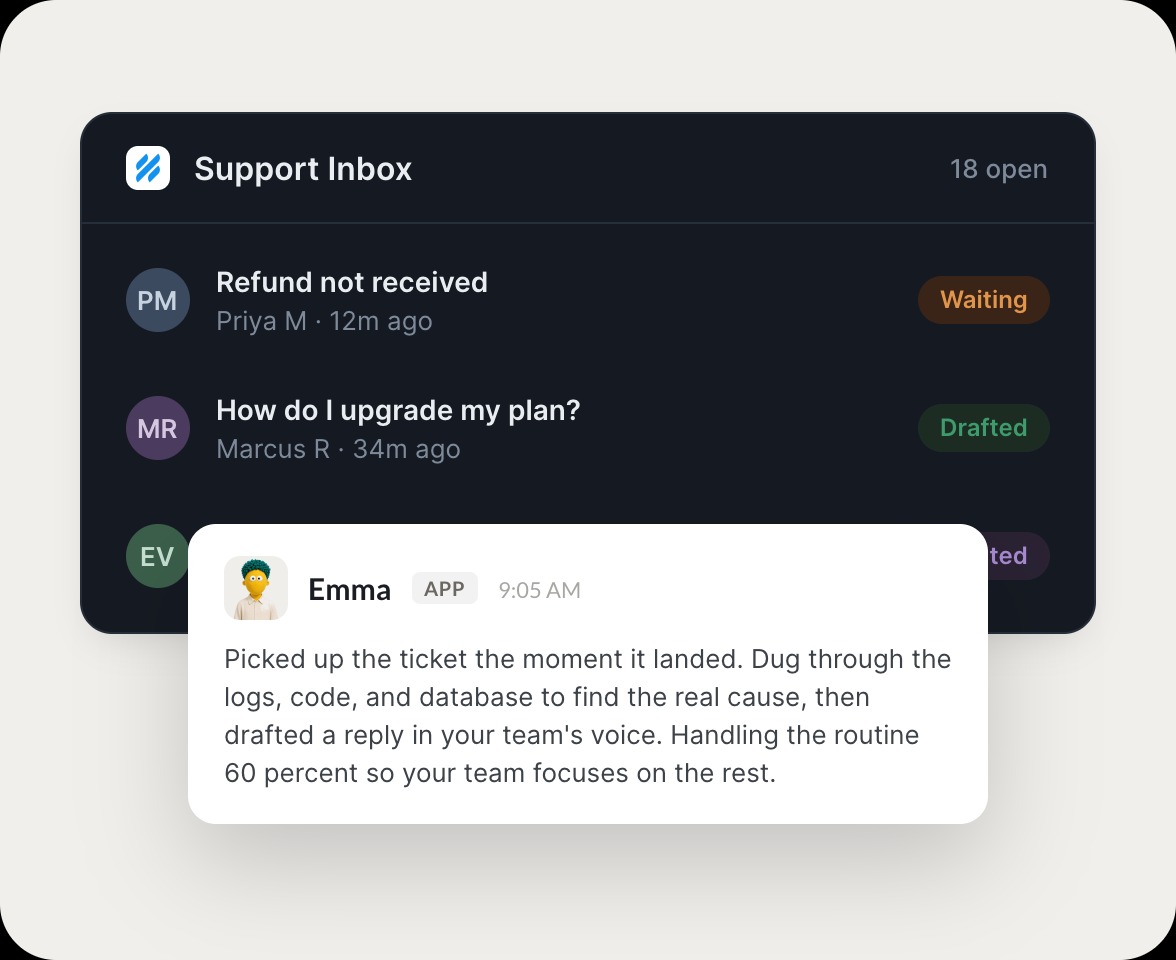
The agent picks up the conversation the moment it lands, checks context in your CRM and support history, digs through logs and code to find the real cause, and drafts a reply in your team's voice, right inside the tools you already use.

Skydive agents at work in Slack

From ticket to resolution in three steps

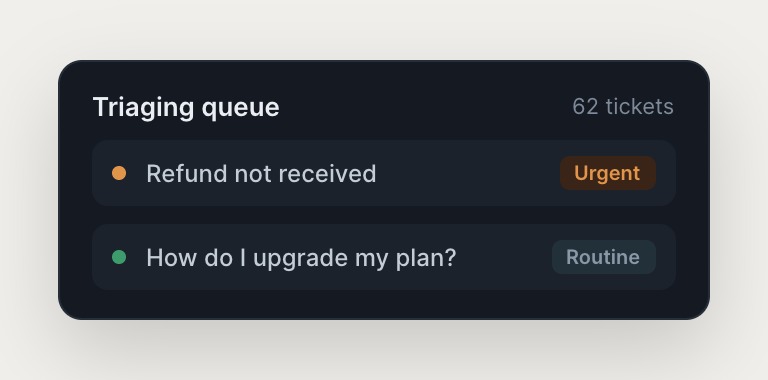
The agent triages, investigates the real cause, and drafts the reply, so your team focuses on the tickets that need judgment.

#
support
Dylan
Customer says their export is stuck. Find the real cause.
Hardy
APP
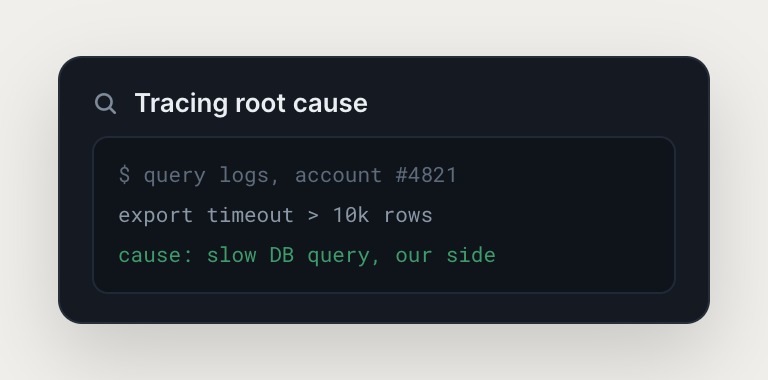
Traced it. Pulled logs from Sentry, checked Stripe, and reviewed the code. Exports time out on accounts over 10k rows, it's a slow query on our side. Full investigation trail attached.
Dylan
Great, draft the reply and escalate the bug.
#
support
Dylan
Draft the reply for that export issue and escalate it.
O'Malley
APP
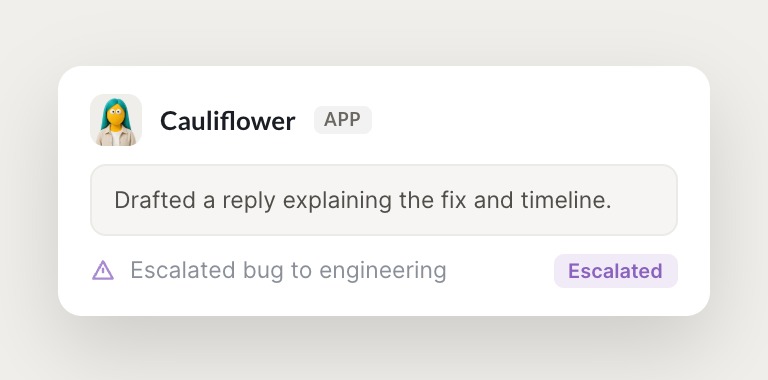
Drafted a clear reply in your team's voice explaining the fix and timeline, and escalated the bug to engineering with the logs and account ID attached. Flagged it for review before it sends.
Dylan
Perfect, send it. ---
INTEGRATIONS

Works inside your everyday tools.

The agent has its own sandbox with a browser. It integrates with Intercom, Sentry, and Stripe out of the box, pulling ticket history, error logs, and transaction data, and uses the browser for anything else your team touches.

and more

Built from a description, not a workflow

The agent handles the routine 60 percent automatically so your team focuses on the tickets that require judgment.

Digs for the real cause

The agent pulls logs from Sentry, checks transaction history in Stripe, and reviews code or database records. The investigation happens in seconds, not the 10 minutes your team used to spend digging, and every data point gets logged so nothing is a black box.

Drafts in your team's voice

The agent writes the reply in your team's voice, includes the relevant details, and suggests next steps or escalation. You review and send, or let it handle it autonomously based on ticket type.

Escalates with full context

The agent escalates automatically when it spots a pattern it can't resolve. Escalations arrive with the full investigation trail: logs pulled, activity reviewed, root cause identified, so your team picks up where it left off.

We run on Skydive too.

We don't just build Skydive, we run our company on it. Our team puts agents to work every day (they even helped build this page).

"Skydive truly transforms your entire company by automating all of the tedious tasks that consume so much of your day"

Marcus Lowe, Co-Founder
FAQ

Frequently asked questions

How does the agent handle sensitive customer data?

The agent accesses only the tools and data sources you explicitly grant it. Permissions are granular, so you control what it can see and touch. All data stays within your existing security perimeter. The agent logs in through your authentication systems the way a human operator would, so your compliance posture doesn't change.

What happens if the agent drafts a wrong or inappropriate reply?

You control the autonomy level on a per-ticket-type basis. Start with review mode, where your team approves every reply before it goes out, and shift to auto-send only when confidence builds. Corrections you make feed back into the agent's memory, so the more your team reviews and refines, the sharper it judgment becomes.

Does the agent require API integrations for every tool?

No. The agent has its own sandbox with a browser. It logs into your tools the way a human operator would, navigating across systems no one has wired an integration for. If a tool has an API, the agent can use it. If not, it just uses the browser, so it works with internal tools, legacy systems, and anything else your team touches.

How long does it take to set up the agent?

Minutes, not weeks. You describe the outcome you need, connect the tools the agent should access, and it's ready to start drafting replies. No workflow construction required, no canvas to wire, no logic to map. You're productive on day one.

Can my whole support team use the agent, or is it just for one person?

The agent is multiplayer by design. Anyone on your team can create, use, or edit it, and permissions control who can view, use, or edit on a per-agent basis. Useful agents spread organically, so an agent set up to handle one ticket type becomes the way the whole team handles it.

Does the agent work with Intercom, Zendesk, or other support platforms?

The agent integrates with Intercom, Sentry, and Stripe out of the box, pulling ticket history, error logs, and transaction data automatically. For other platforms, the agent uses it browser to navigate and pull data. If your team can access it, the agent can too, and MCP support lets you extend it with custom integrations.