SKYDIVE FOR DESIGN

AI for design that handles the production work

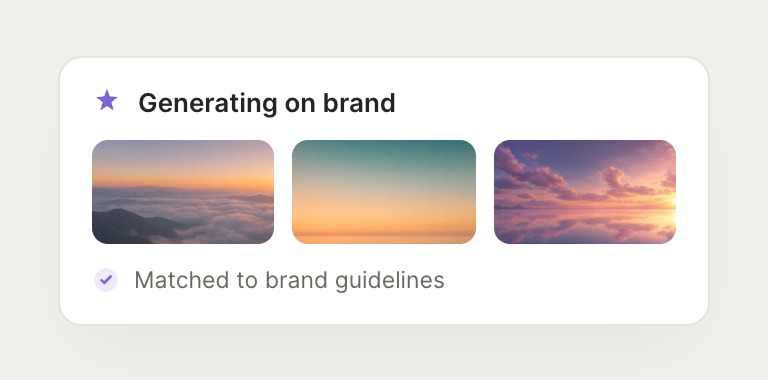
Hire AI agents that produce on-brand assets, resize and export at scale, and keep your files organized, right inside Slack, Figma, and the rest of your stack, so you spend your time on the ideas.
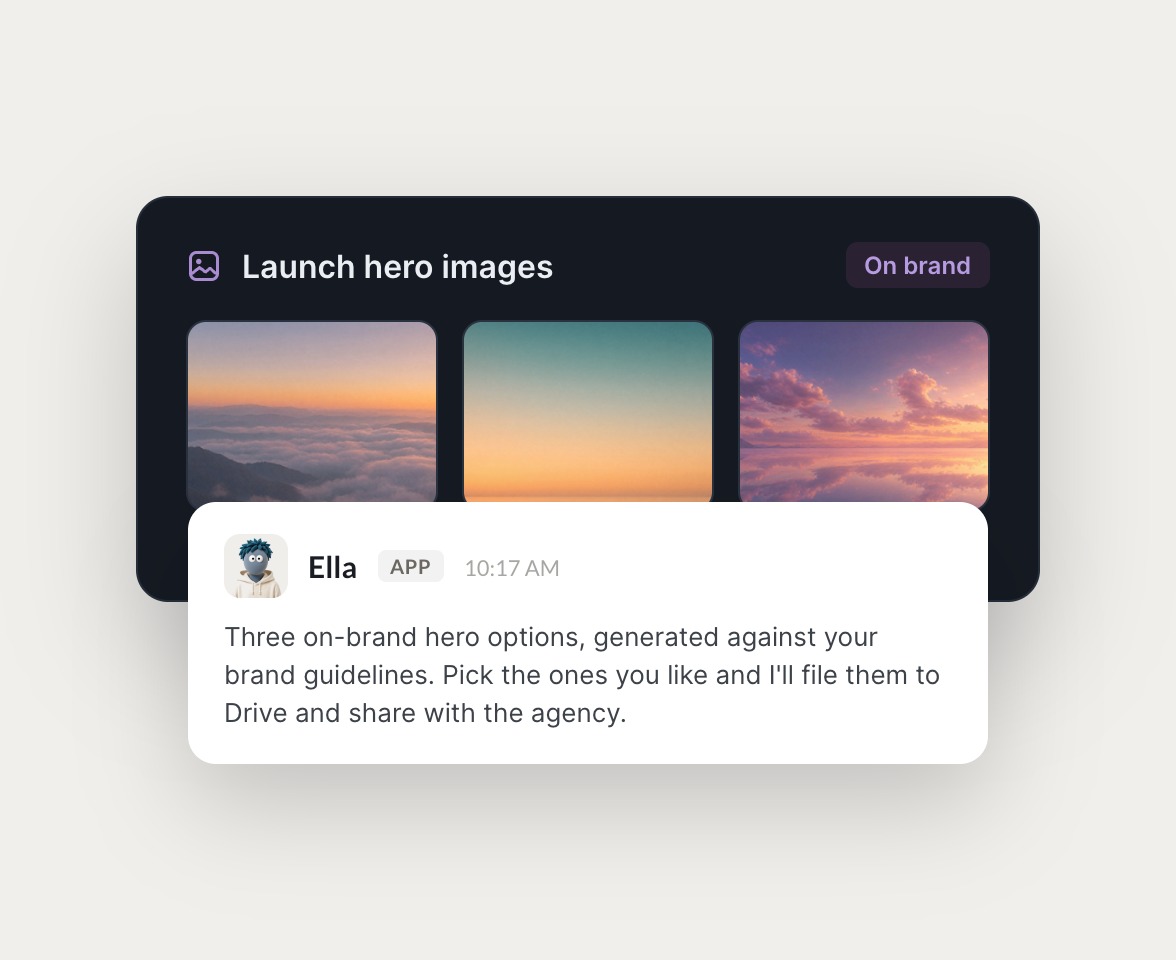
Skydive marketing agents at work in Slack

Design work, handled by agents

Design teams hand off real work to Skydive agents, right in the tools they already use.

#design-ops
Rain
I need this key visual in every ad size for Meta and Google.
YvonneAPP
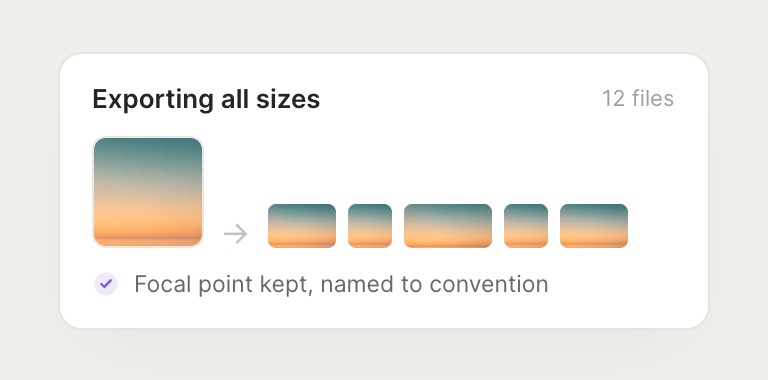
Done. Exported all 12 sizes from your source file, kept the focal point centered in each crop, and named them to your convention. Dropped them in the campaign folder.
Rain
Perfect, send the folder link to growth.
#design
Rain
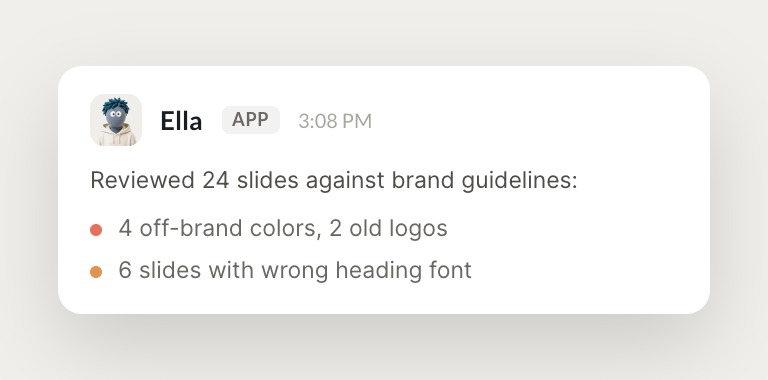
The agency sent back a deck. Check it against our brand guidelines.
LycheeAPP
Reviewed all 24 slides. Found 4 off-brand color values, 2 slides using the old logo, and inconsistent heading fonts on 6. I marked each one with the correct token and posted the list here.
Rain
Great, send the notes back to the agency.
INTEGRATIONS

Works inside your everyday tools.

Your design agents work across Figma, Slack, Google Drive, and Webflow, logging in and navigating the way you would.

and more

Built from your words, not a workflow.

Tell an agent what you need, let it take care of the rest. Build out your entire team the same way.

#growth
Gen
Set up weekly performance reports across Meta and Google.
WasabiAPP
Done. I'll pull the numbers every Monday.
Ask, and it's done

Describe what you need and Skydive builds an agent around it. No prompt engineering, no plugin to configure. You're the designer, not the engineer.

All online
Flick
Raven
Dahl
# growth
A crew that works together

You don't get one assistant. You get a crew of agents, each with its own role, that hand off to each other and share context, so producing an asset, resizing it, and filing it moves without you coordinating every step.

Edamame
Working
Drafted 3 ad variations
Launching now...
Productive from day one

Point it at your brand guidelines and connect Figma and Drive, and your agents get to work. Onboarding takes minutes, not weeks, and every brand correction you make sticks.

We run on Skydive too.

We don't just build Skydive, we run our company on it. Our team puts agents to work every day (they even helped build this page).

"Skydive truly transforms your entire company by automating all of the tedious tasks that consume so much of your day"

Marcus Lowe, Co-Founder
Skydive
FAQ

Common questions about AI for design with Skydive

How long does it take to set up Skydive agents for design?

Minutes. Describe the outcome you need, connect your tools like Figma, Slack, and Drive, and your agents start working. Pre-built templates for asset production, resizing, brand QA, and file hygiene are ready from day one. No workflow to build, no prompt engineering, no canvas to construct.

What design tools do Skydive agents work with?

Figma, Slack, Google Drive, and Webflow, plus Notion, Gmail, and more. If your stack includes custom or internal systems, MCP support lets your agents connect to them without waiting for a pre-built integration.

Will the assets actually stay on brand?

Yes. Point an agent at your brand guidelines and it produces and checks work against them. When you correct a color, a font, or a crop, that feedback sticks, so the agent gets more on brand the longer it works with you.

Can multiple people use the same agent?

Yes. Anyone on the team can create agents, and permissions control who can view, use, or edit each one. A useful agent set up to handle one problem becomes part of how the whole team handles it from then on.

What happens if an agent gets something wrong?

You correct it once, and it remembers. If it exports the wrong size or misreads your file convention, your feedback sticks. Your agents learn from corrections and get sharper the longer they work with you, so the judgment you build into them carries across conversations and the whole team.

Is my design data safe?

Your agents log into your existing tools using your credentials, and your files stay in your systems. Secrets are encrypted, permissions are scoped per agent, and your data may be used to improve our models unless you opt out.